
Before we can install Ubuntu 22.04 Server on a Micro SD to use with a Raspberry Pi we need to download the Raspberry Pi Imager:
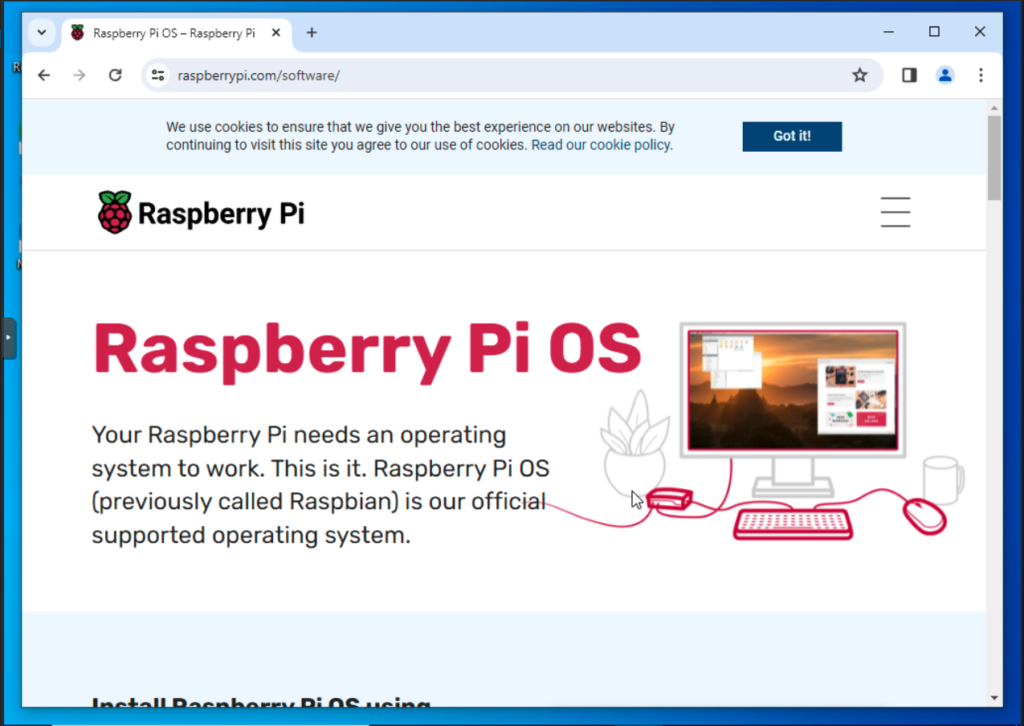
Scroll down the page and click on Download for Windows:
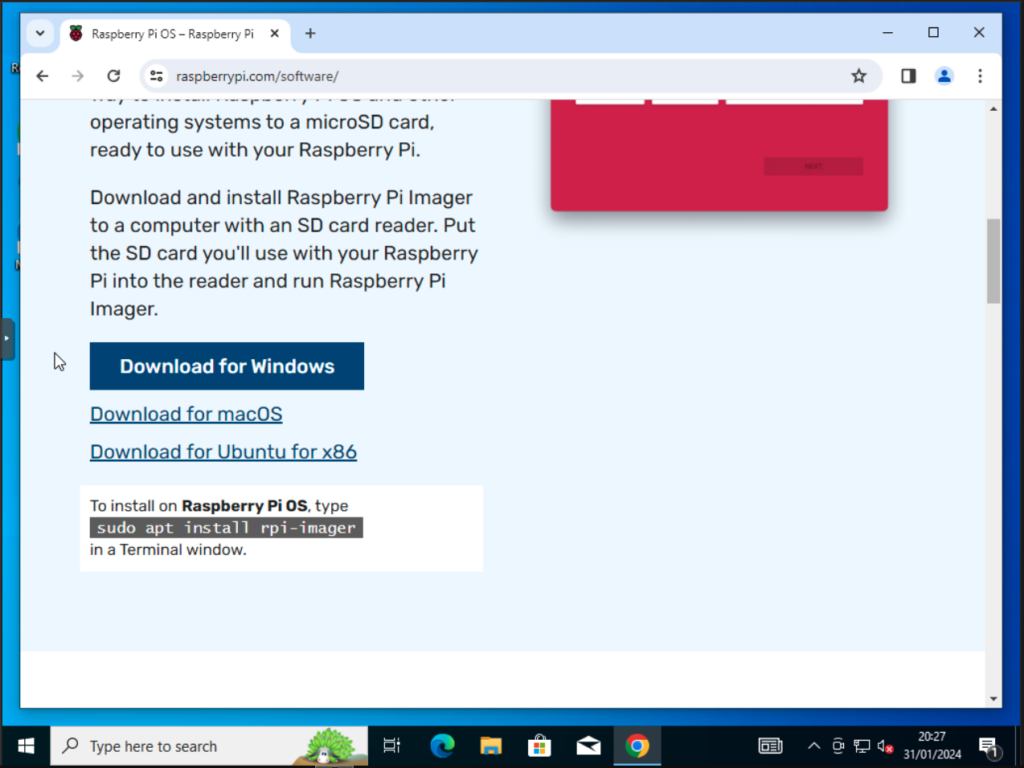
The Imager will download.
Go to the downloads folder on your PC and you will see the Installer:
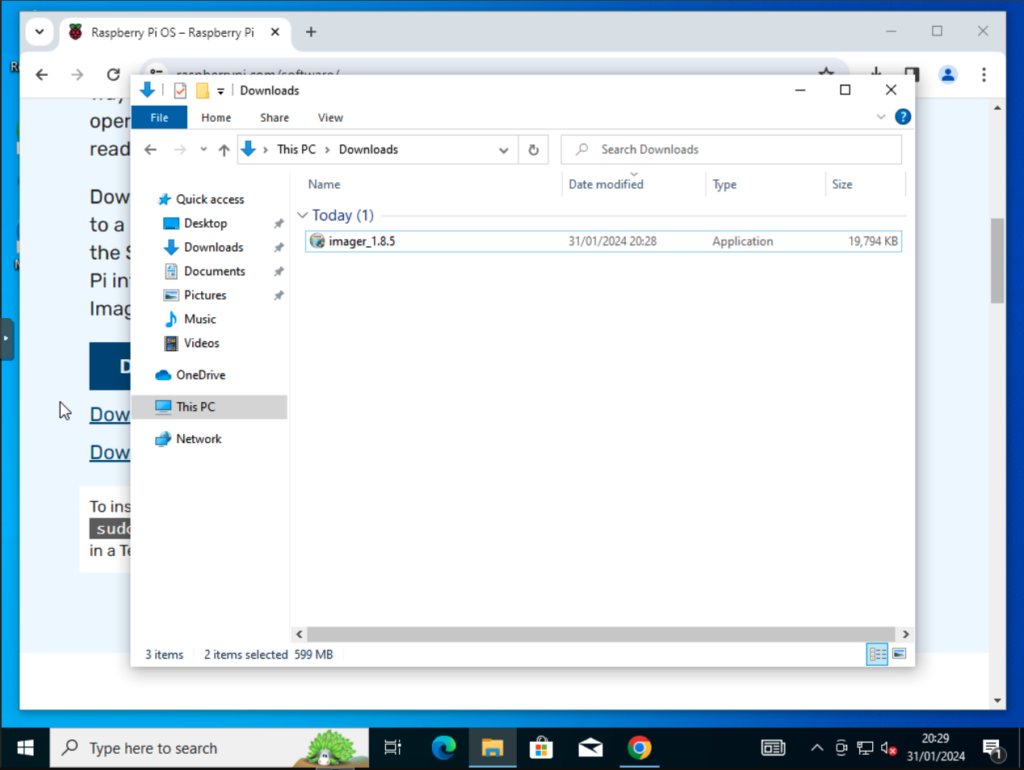
Double click on the installer to start the install:
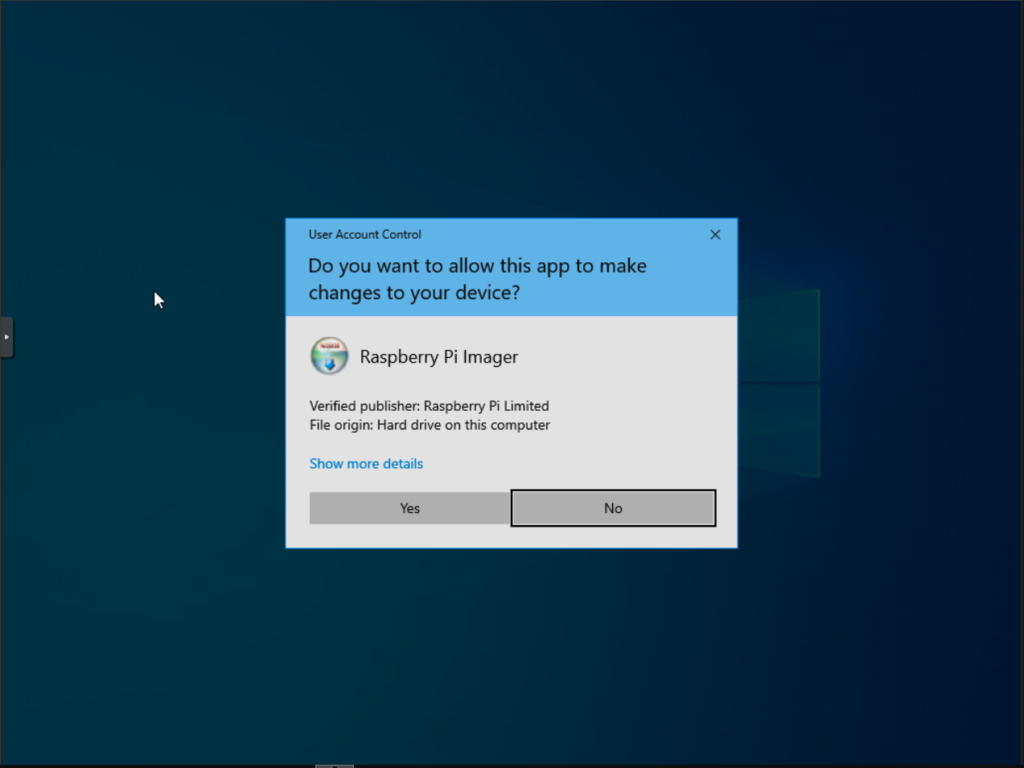
Click Yes:
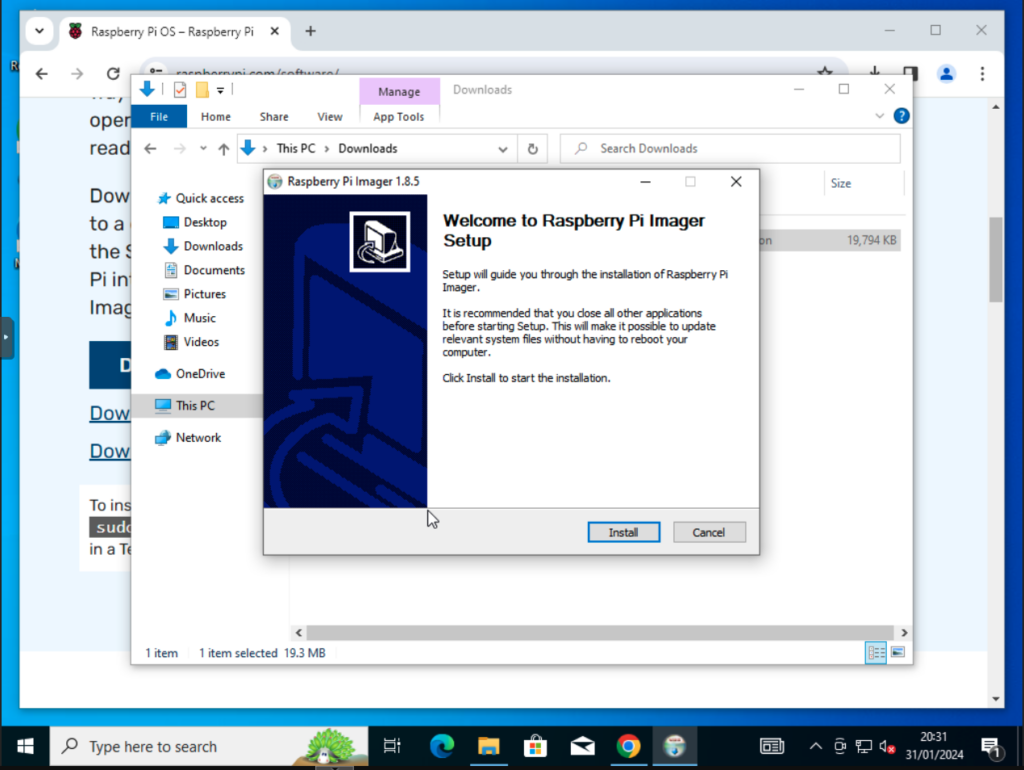
Click on Install:
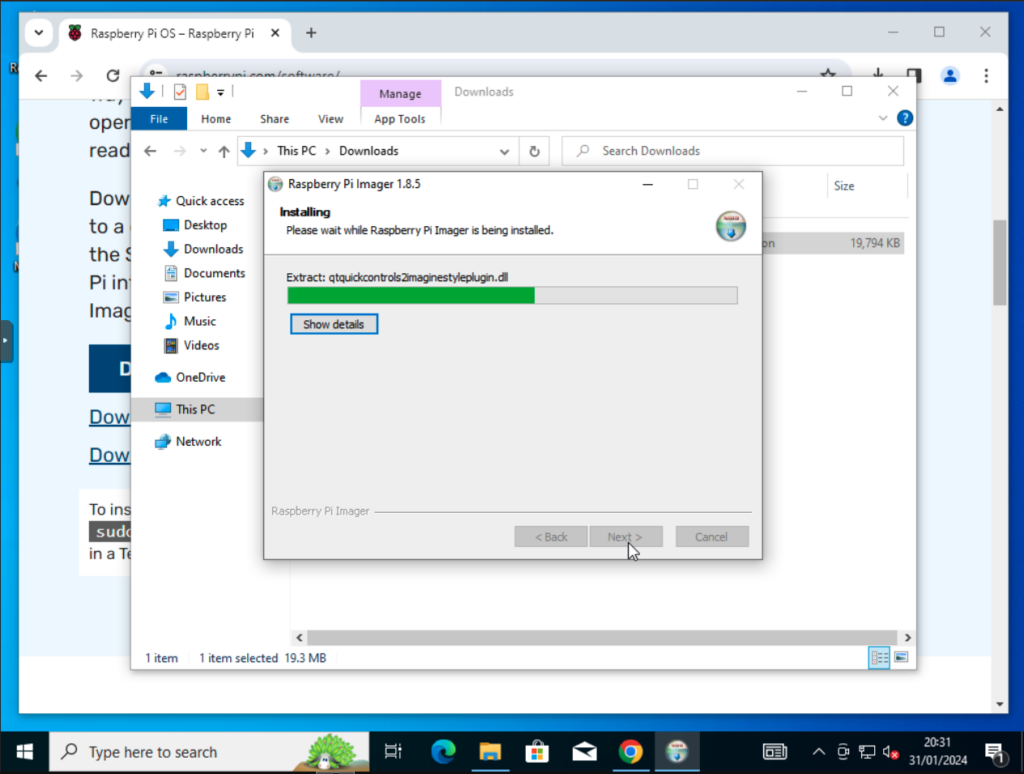
Wait for the install to complete:
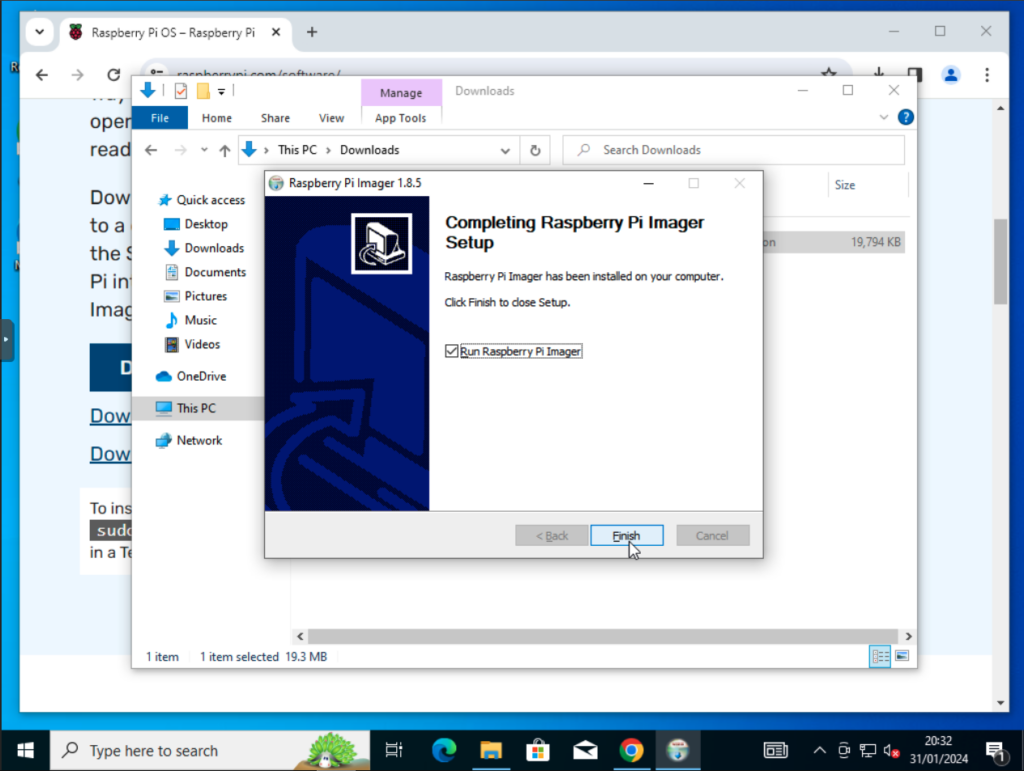
Click Finish to finish the install and open the Raspberry Pi Installer:
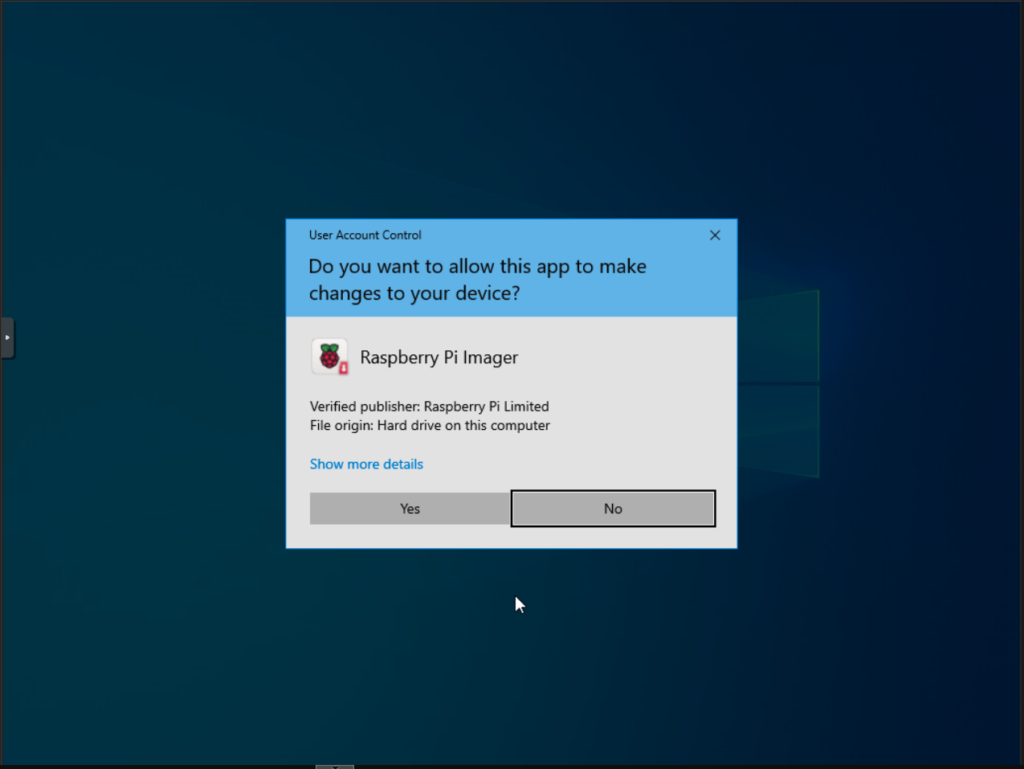
Click Yes to allow the app to make changes to drives on your PC:
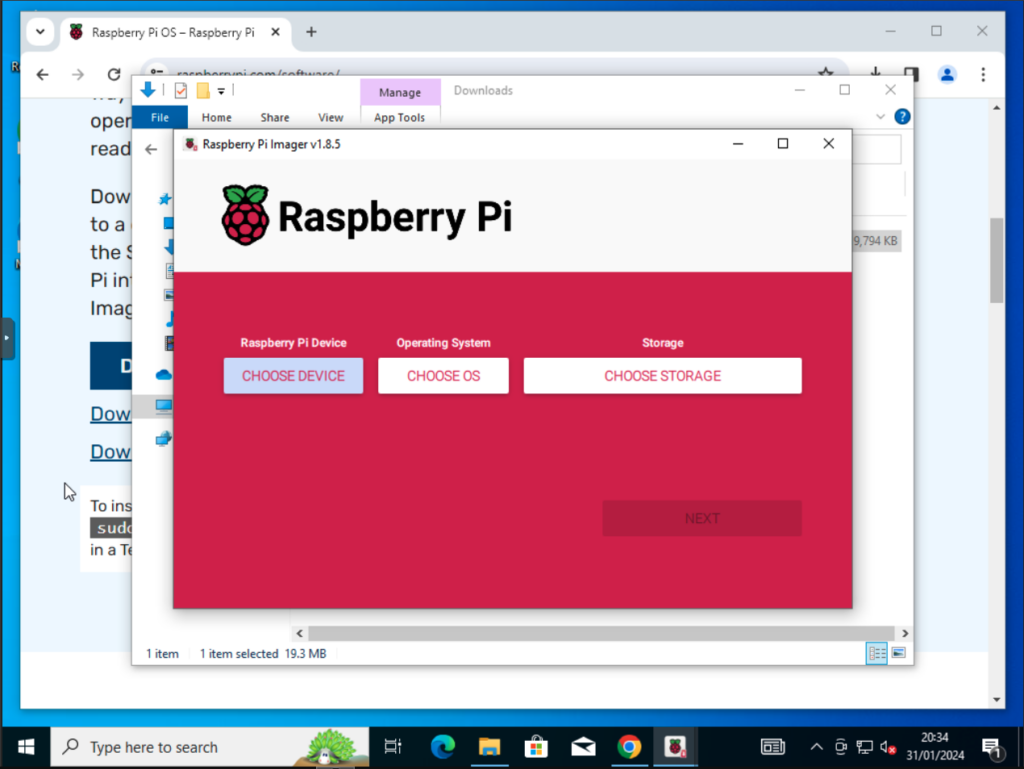
Click Choose Device:
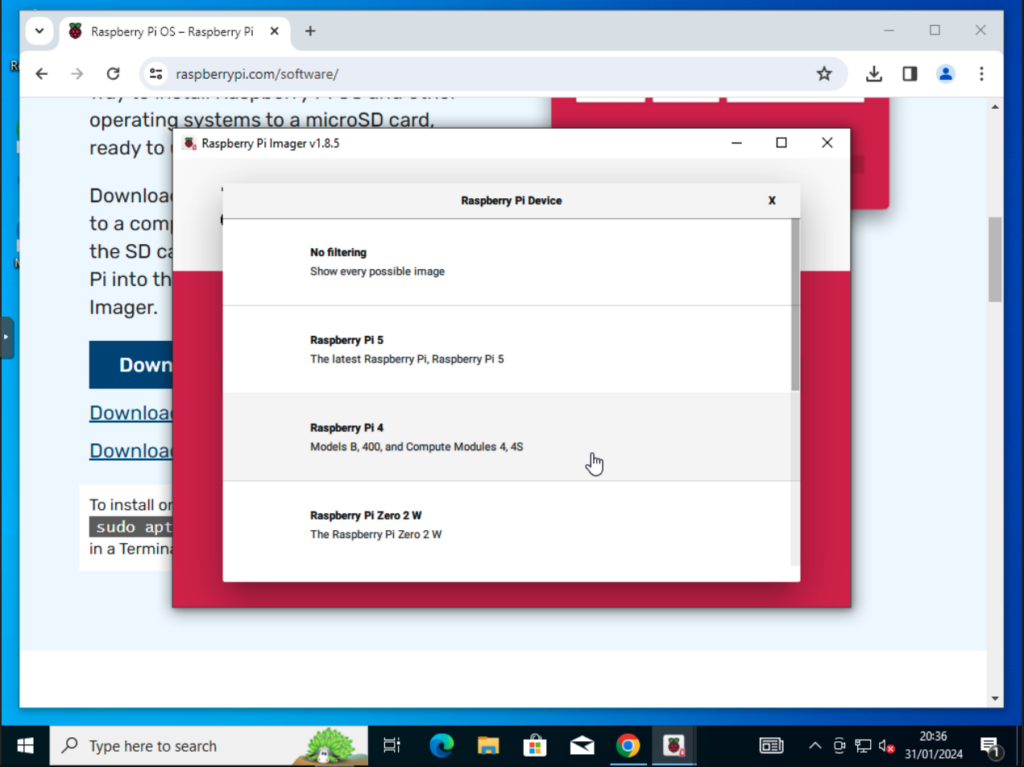
Click on your device type:
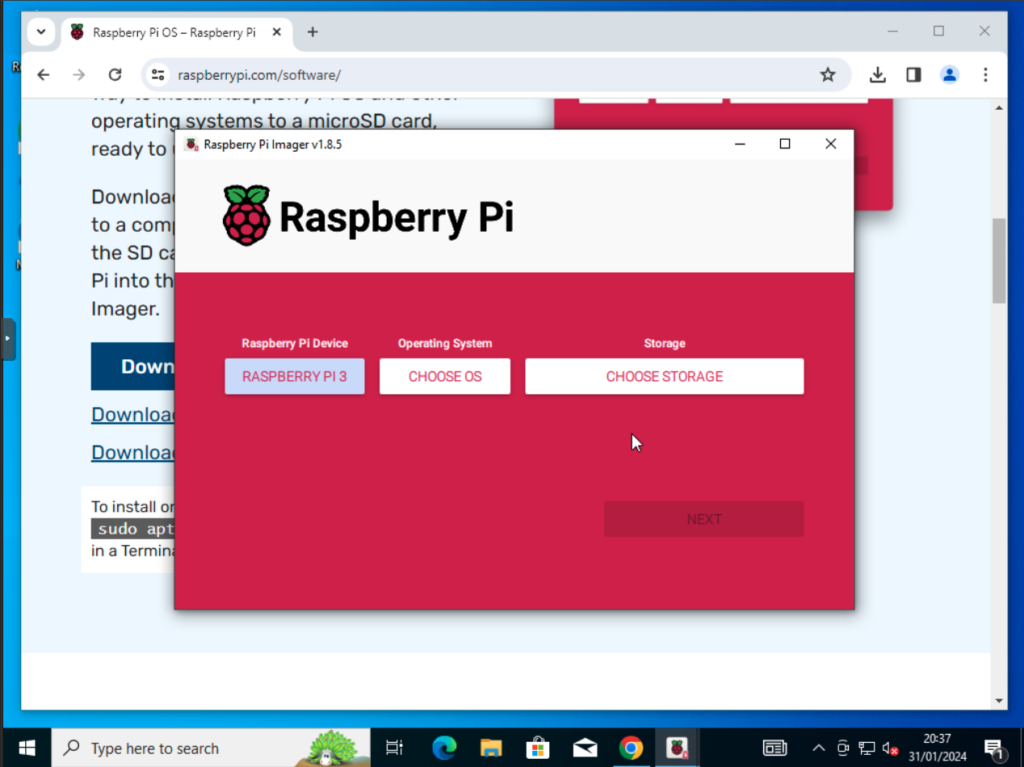
Click on Choose OS:
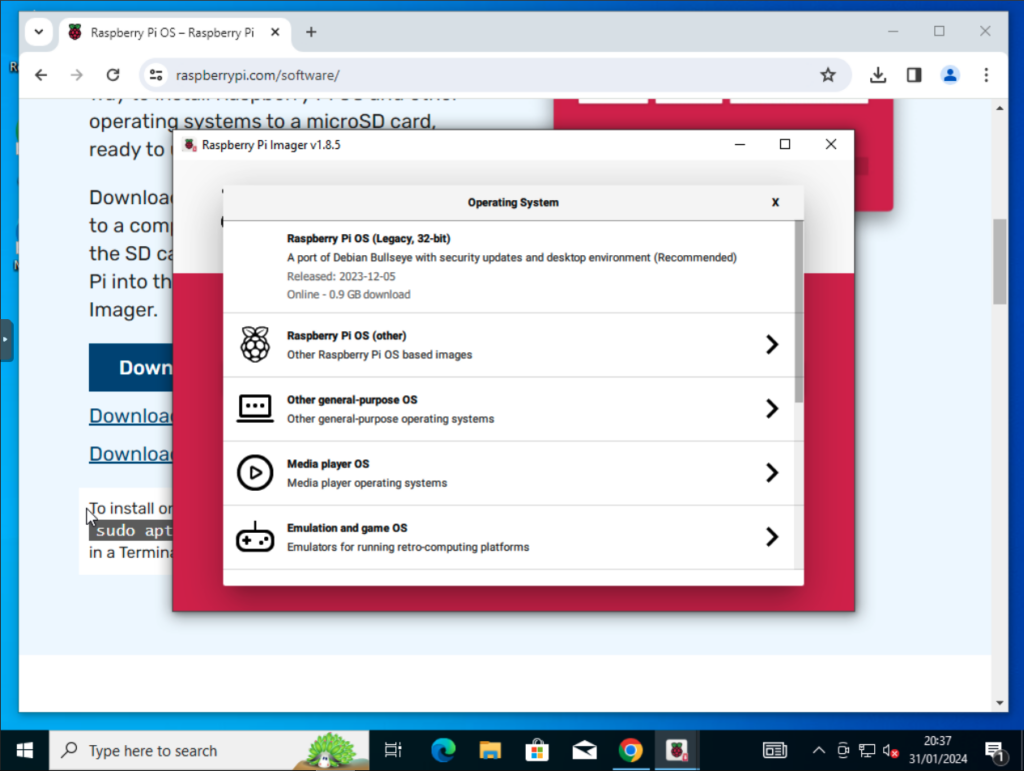
Click on Other general-purpose OS:
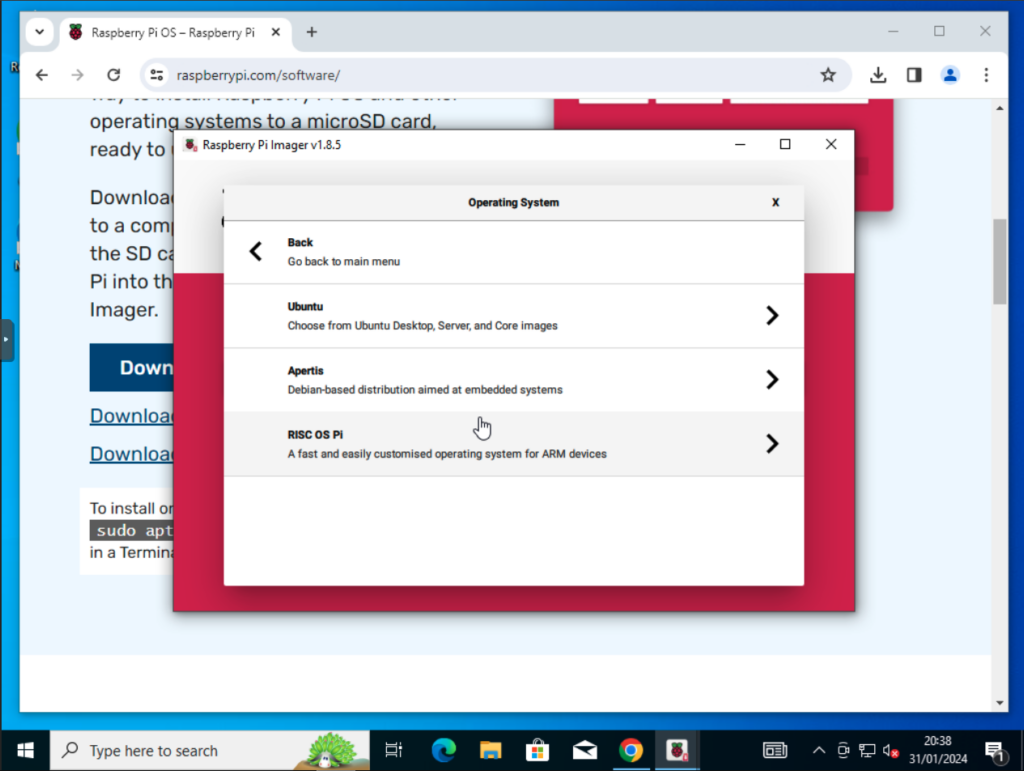
Click on Ubuntu:
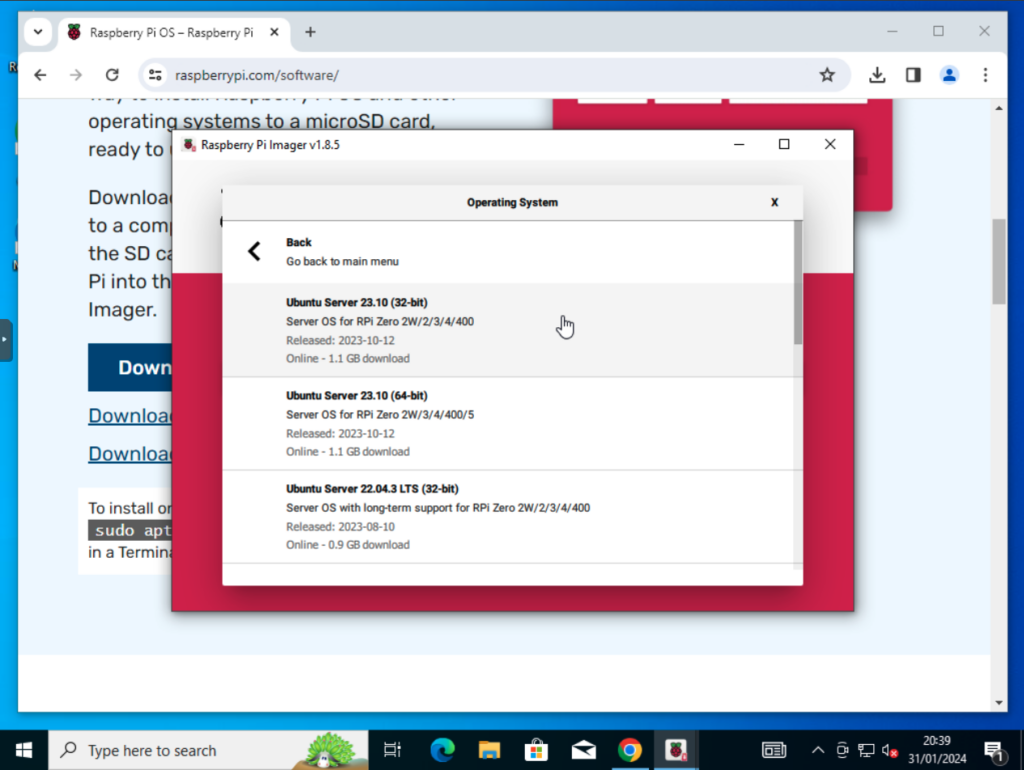
Choose the OS that you want to install. In this example it would be Ubuntu Server 22.04.3 LTS (64-bit) but if you wanted to install Ubuntu 22.04 Desktop you would choose Ubuntu Desktop 22.04.3 LTS (64-bit) The installer is intelligent and only shows the OS’s that will run on the selected PI hardware:
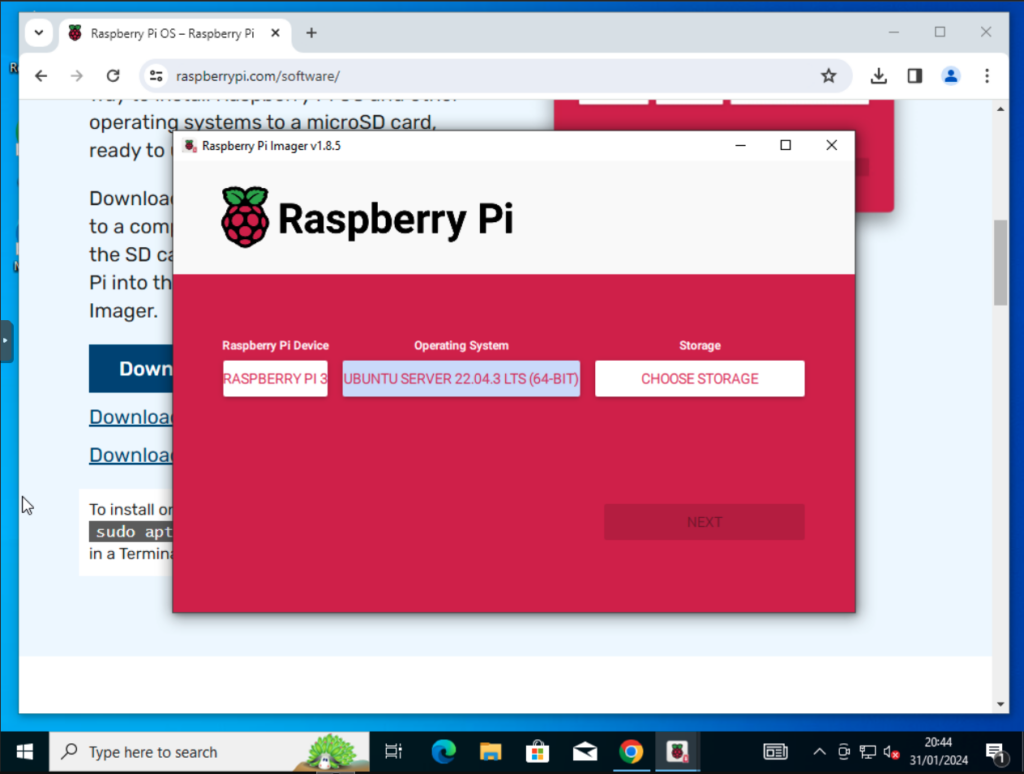
Click on Choose Storage:
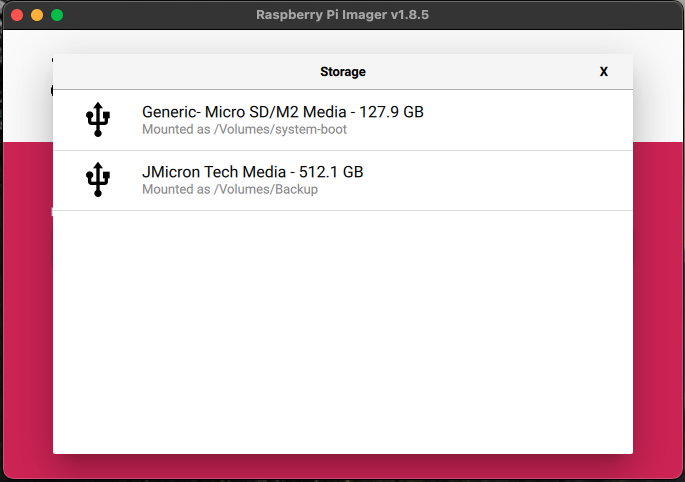
Select your Micro SD card:
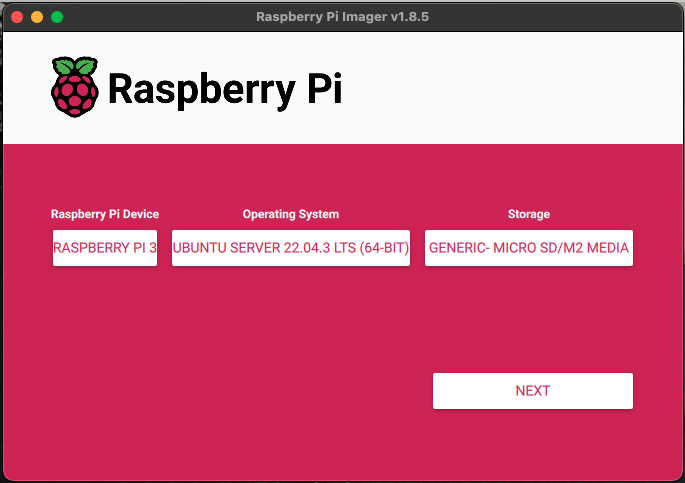
Click Next:
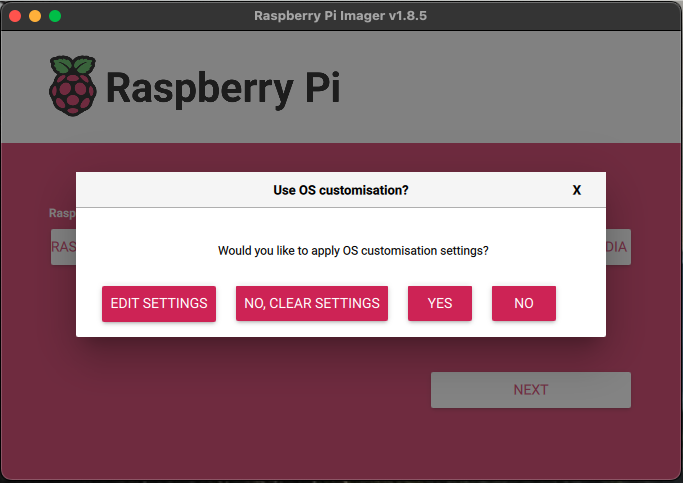
I always click on Edit Settings next:
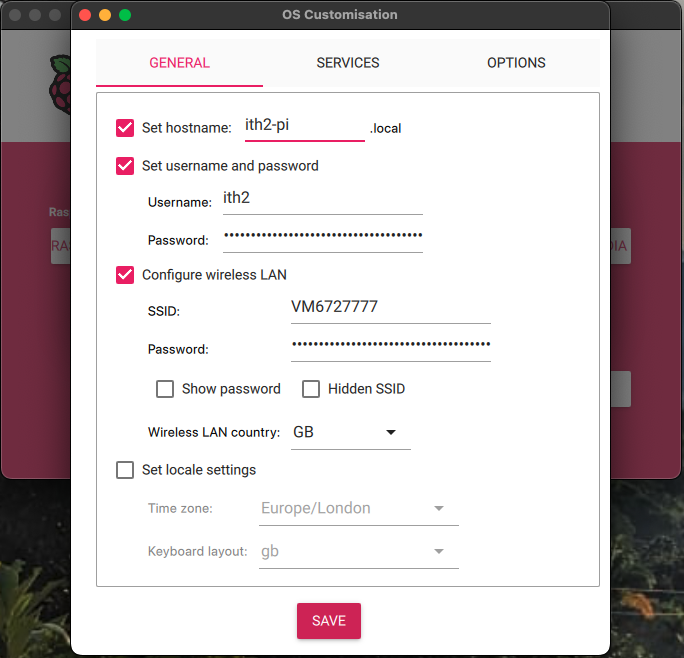
Change the settings for your server and then click save:
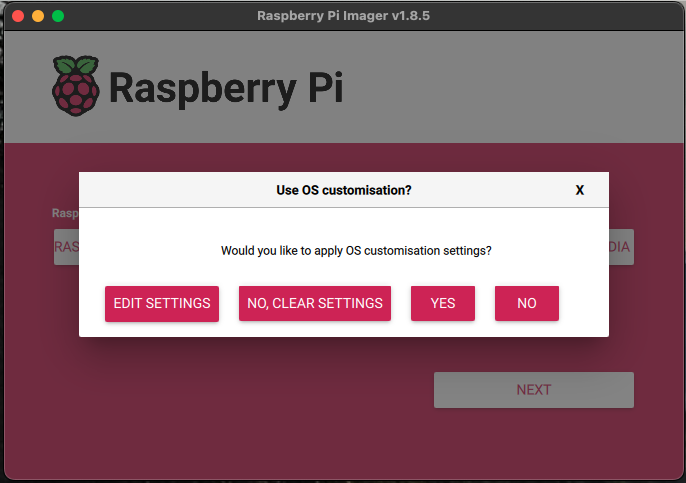
Click the Yes button:
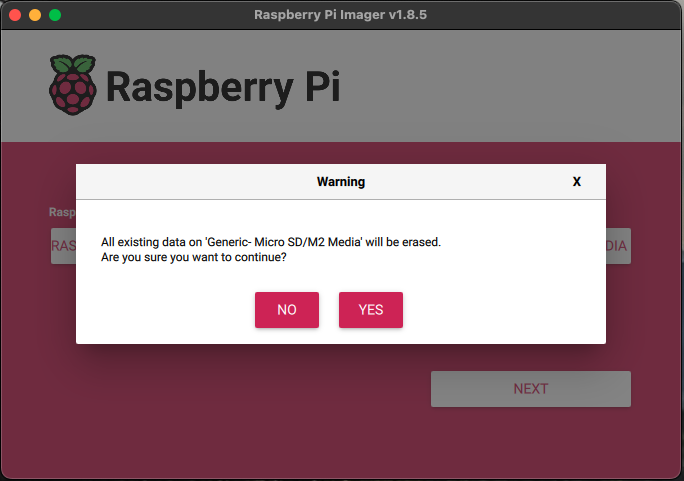
Click Yes again:
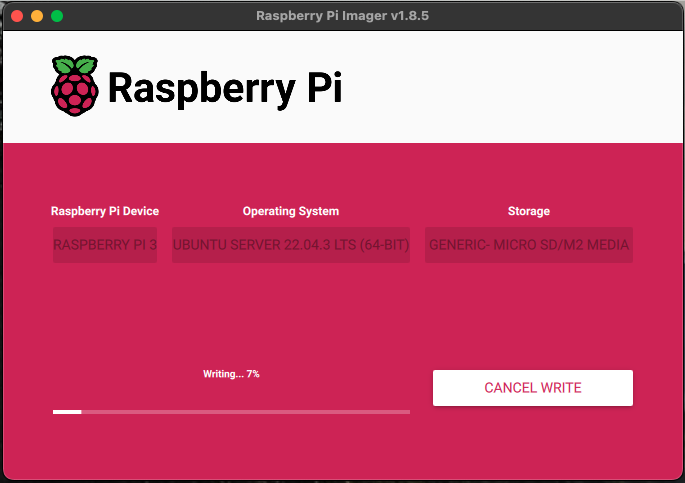
Wait for the Imager to finish installing the OS and custom settings to the Micro SD:
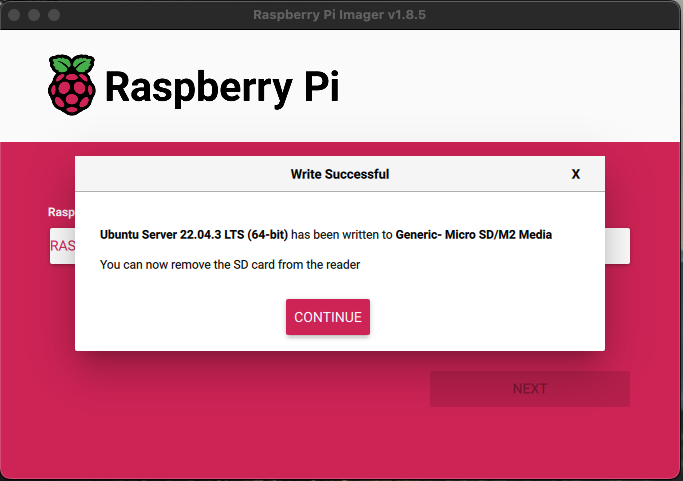
Click Continue and you can now close the Raspberry PI Imager app. The Micro SD card is now ready to put into the PI and use.